Google Chrome
Safe, fast, and reliable browsing with Google Chrome

Safe & Secure
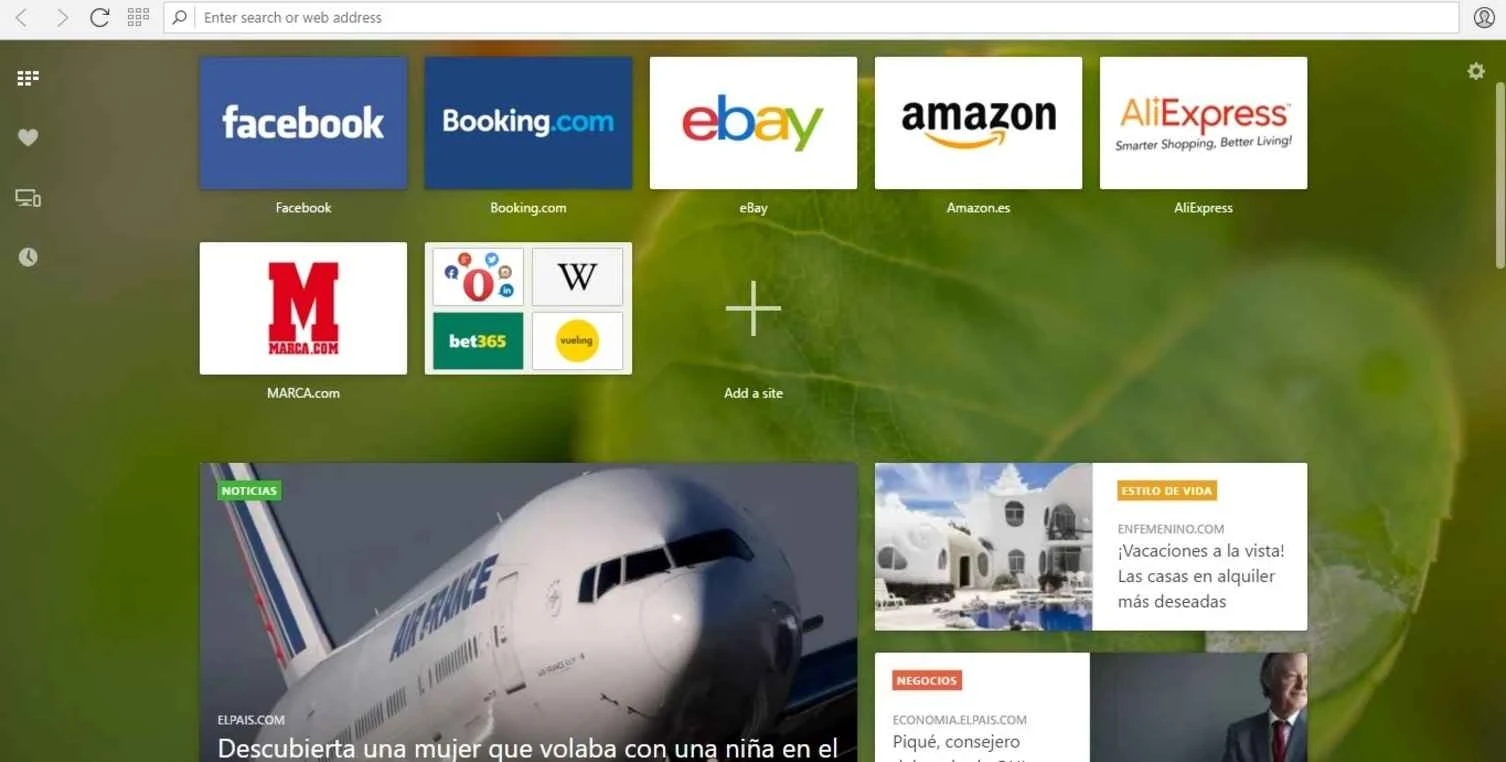
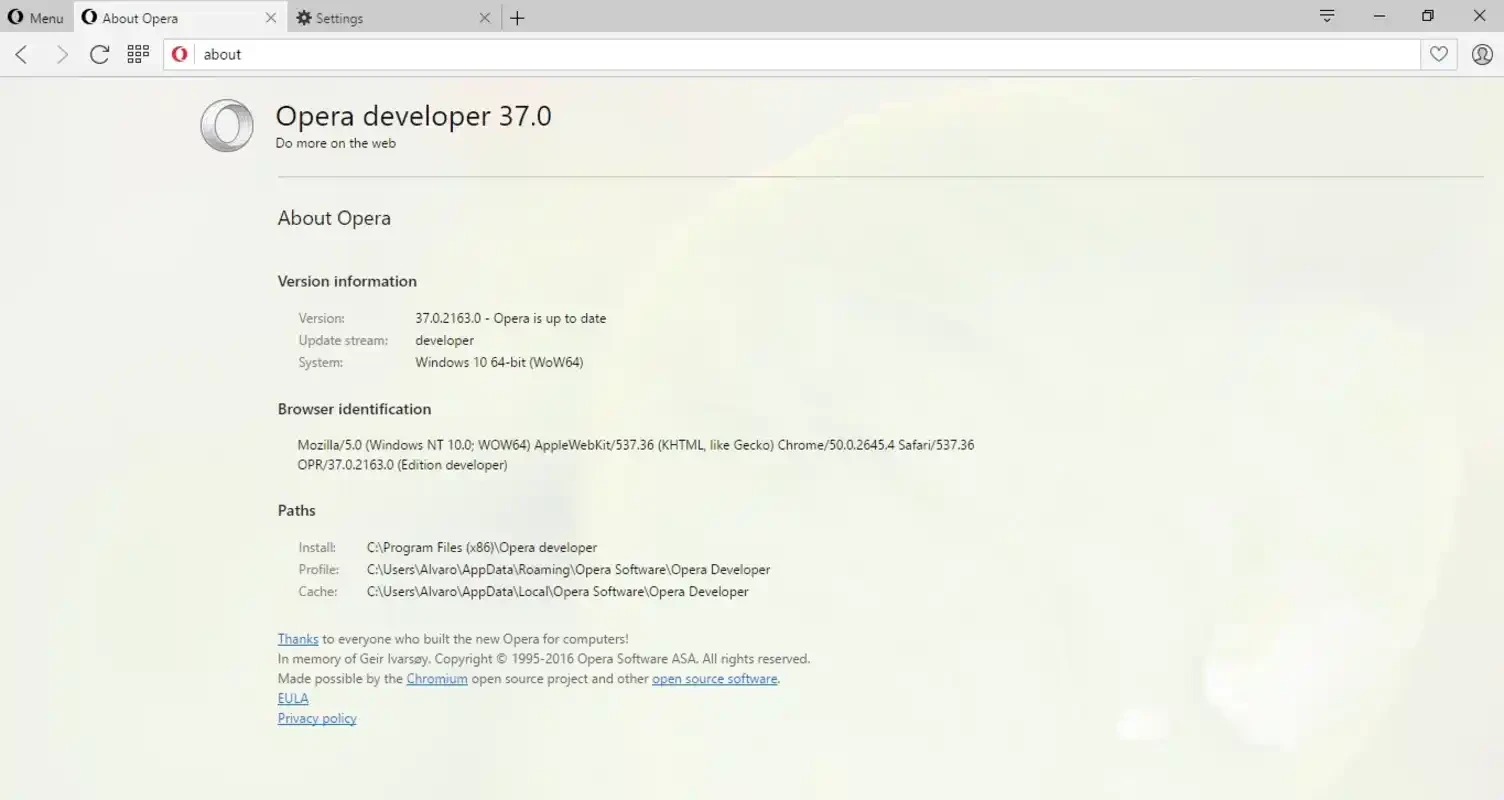
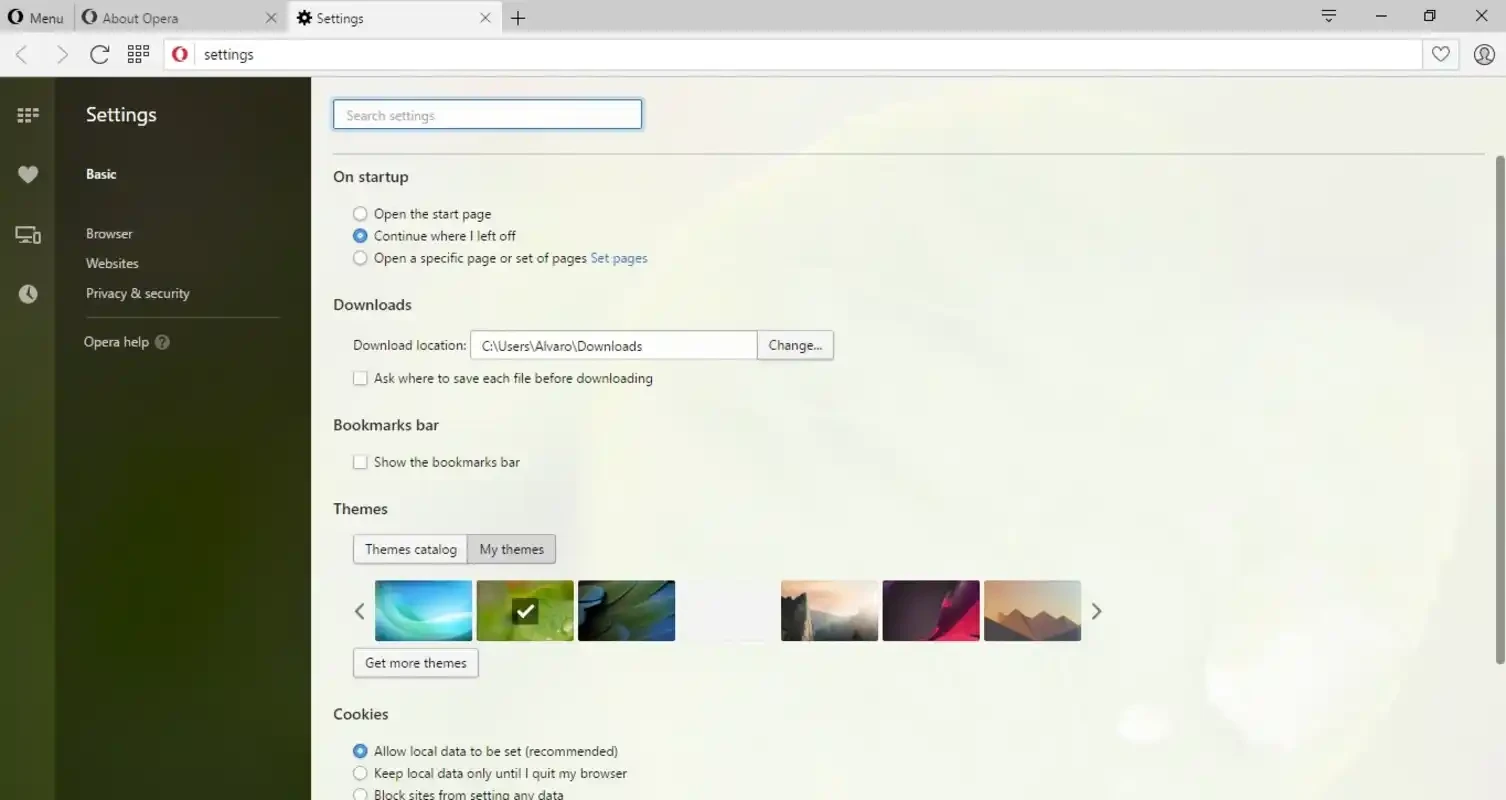
Opera Beta is a powerful web browser, allowing the users to test upcoming features, before they officially released for publically. You will find two versions in Beta: Opera Developer and Opera Next. Opera Developer is for developers to use the experimental version of the browser, fixing the available errors or bugs. The Next version offers a stable and smooth experience for common users.
Opera Browser was built with a sense of lightweight capacity, as compared to heavyweight utilities, such as Chrome, Firefox, and so on. It is available within Opera Mobile, Opera Beta, and Opera Mini, offering cross-platform compatibility.
Opera Beta developed by Opera Software, falls under the Web Browser category and is a free to use software. It offers lot of new updates for the ease of users to try new functionality, allowing the users to select from two distributions; such as Opera Developer and Opera Next.
It is a fast and convenient app to make your internet surfing safe and secure, proving the best alternative to other popular web browsers. It doesn’t compromise on user privacy, offering a user-friendly and simple interface. All the popular websites are linked on the main screen, with the facility to link more websites if you require.
The main screen is called Speed Dial, where you can link your favorite websites to make them quickly accessible within a single click. It is one of exclusive functionality offered by Opera only, and reliably access to the Discover section, sliding to the right of the Speed Dial. It offers a variety of sources for the ease of the users to select latest web content. It is also possible to customize the content according to your country and subjects, including food, health, sports, technology, and so on.
It is a significant feature, allowing users to open as well as manage multiple tabs simultaneously. Simply click the tab button at the bottom of the screen, and hit the + button. When you open multiple tabs, you can easily view the total number of currently open tabs. To switch to another tab, click on the tab button and swipe to your desired tab. You can select the Private option for private browsing, and none of your browsing history, including private browsing, will appear in your Internet history.
The innovative feature helps the users to compress the huge website easily, ensuring their quick loading. The feature works similarly to Opera Mini, allowing users to work reliably, even on old systems with limited resources. It also helps to manage your data plan, if you are using the app on a smartphone. The app utilizes the WebKit rendering engine, one of the best engines used by Apple products and also by Google Chrome.
The app helps the users to save their passwords and other credentials for frequently visited websites, avoiding the frustration of forgetting passwords, in case of login to recently visited website. The browser remembers the passwords and credentials to offer an auto-fill option for the convenience of users. In this way, you will be capable of filling the form within a very short period.
The beta version offers two distributions: Opera Developer and Opera Next, for the ease of users to select any one according to their preferences, such as;
The significant functionality helps to sync with your Opera account, ensuring a seamless integration for your bookmarks, history, and settings with your browser. It offers a unified browsing experience across multiple devices, allowing you to access to your bookmark from any device you are sing at the spot. Moreover, the availability of built-in ad blocker helps the users to enjoy smooth browsing, avoiding the intrusive and annoying advertisement. A night mode is also available to make your browsing comfortable at night.
The desktop beta version of the app is also embedded with a built-in VPN, allowing users to avoid all types of restrictions without paying any extra fees. It is usable through the private browsing mode. You need to enable the VPN from the settings menu, and the VPN icon will appear next to the browser’s address bar. You can enable/disable the VPN service at any time, selecting countries such as the USA, the UK, and Canada.
Pros
Cons

Safe, fast, and reliable browsing with Google Chrome

Opera offers the best browsing functionalities including built-in VPN, ad-blocker, and Turbo mode.

Fast Browsing with offering Cutting-edge Security and Speed.

UC Browser for PC, the leading mobile browser now available for PCs

Cent Browser is a Chromium-based browser with seamless browsing online

Firefox can display a large number of pages and extra capabilities that can help you online very fast.